Furniture · Arc / 01
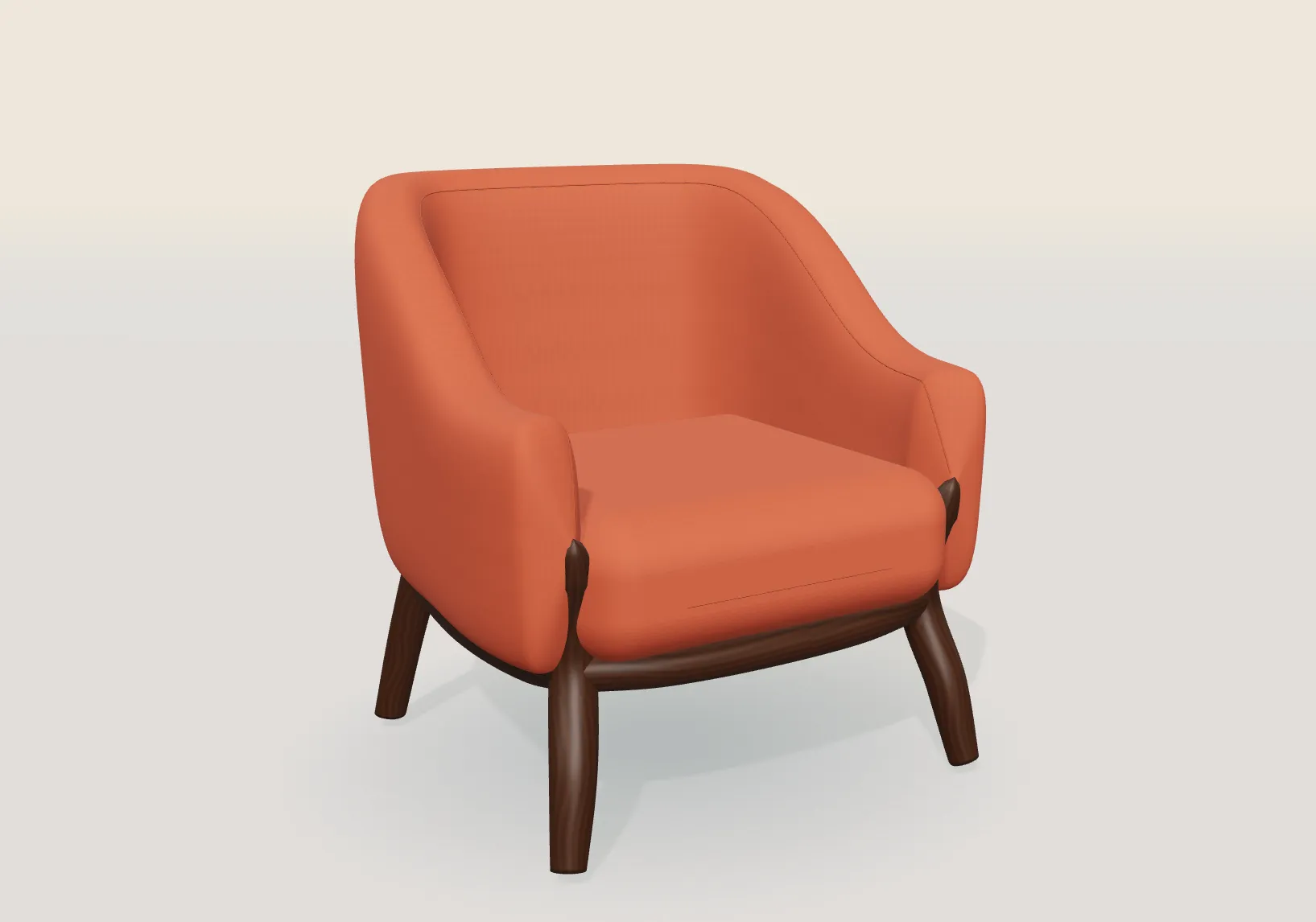
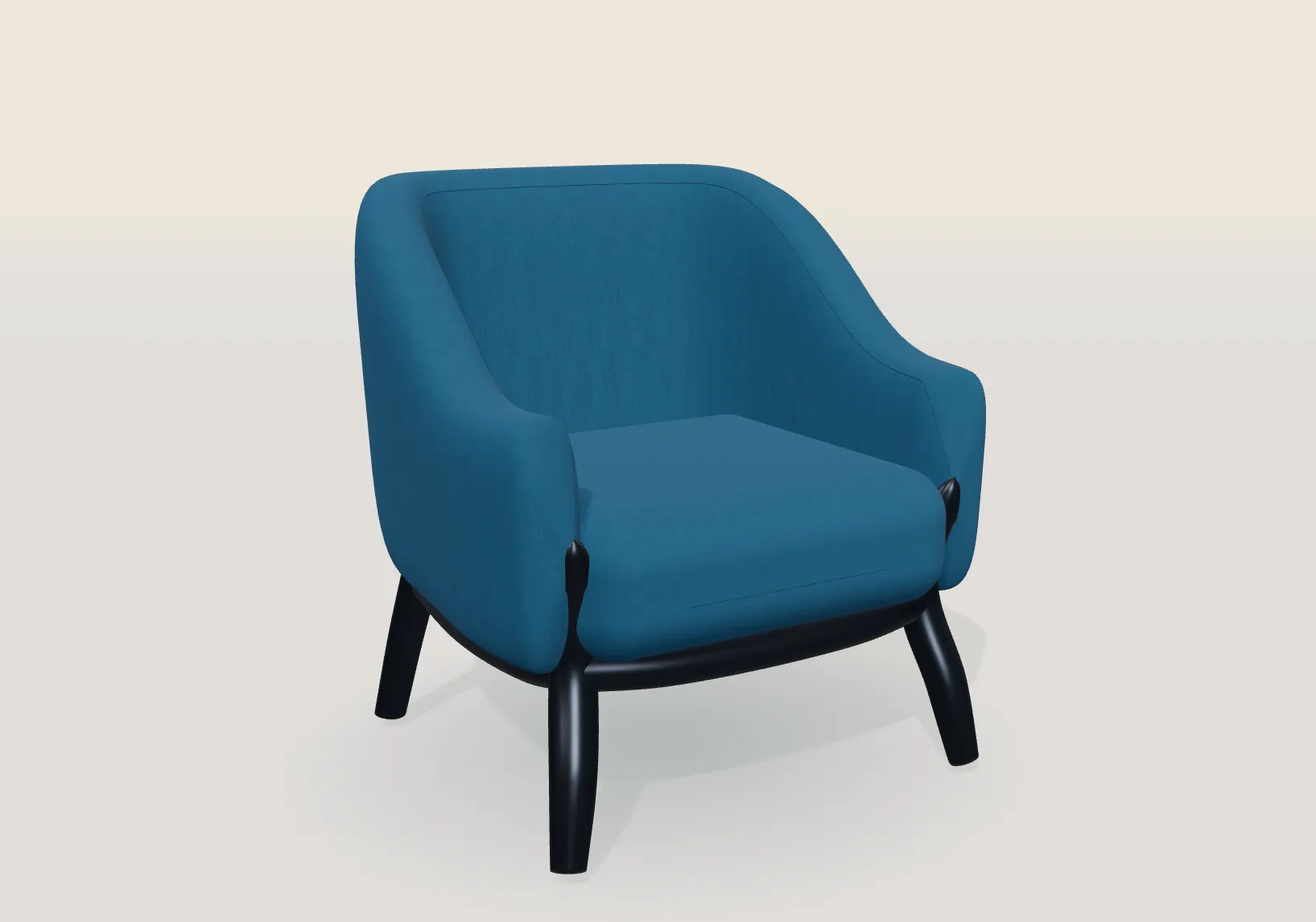
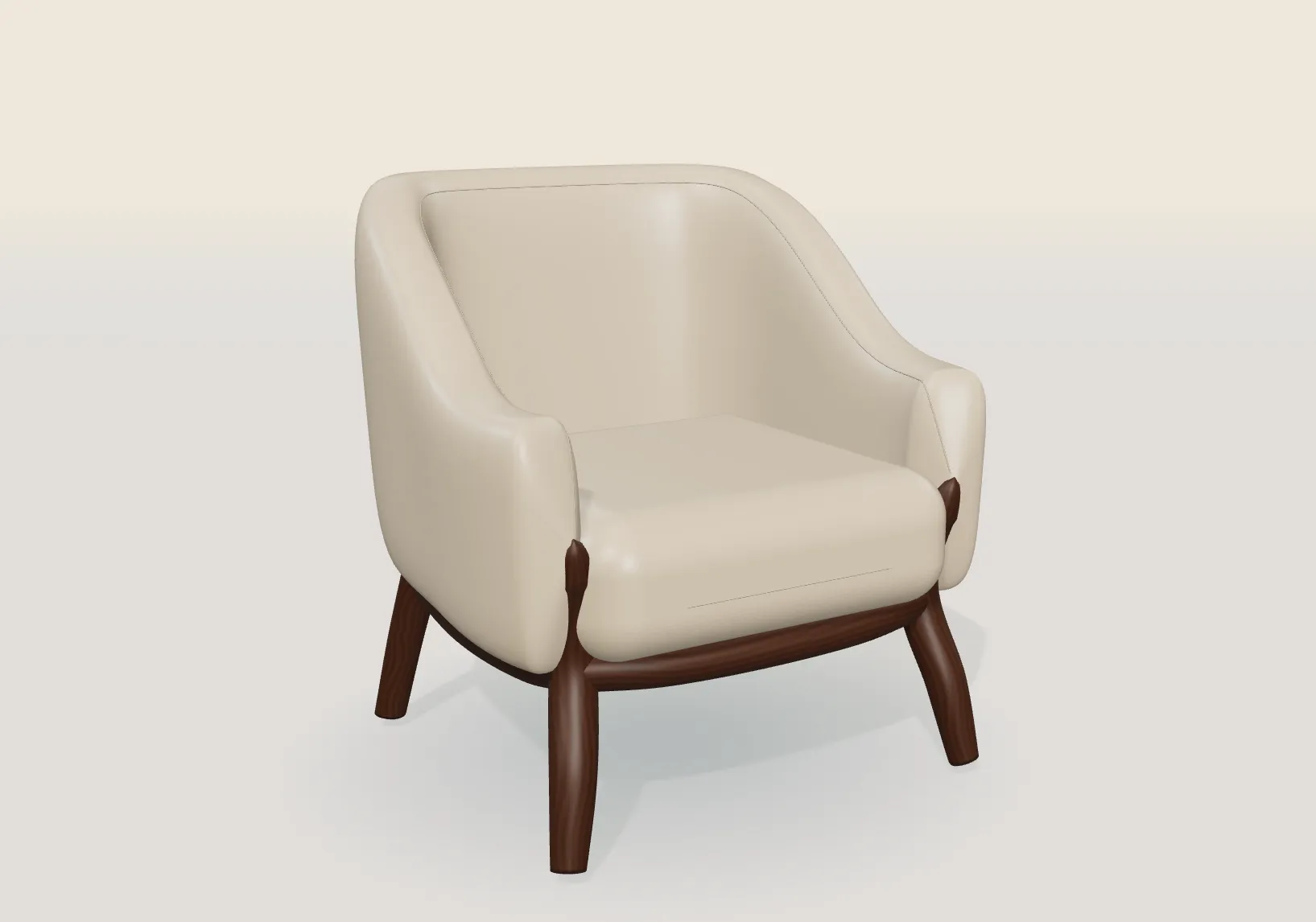
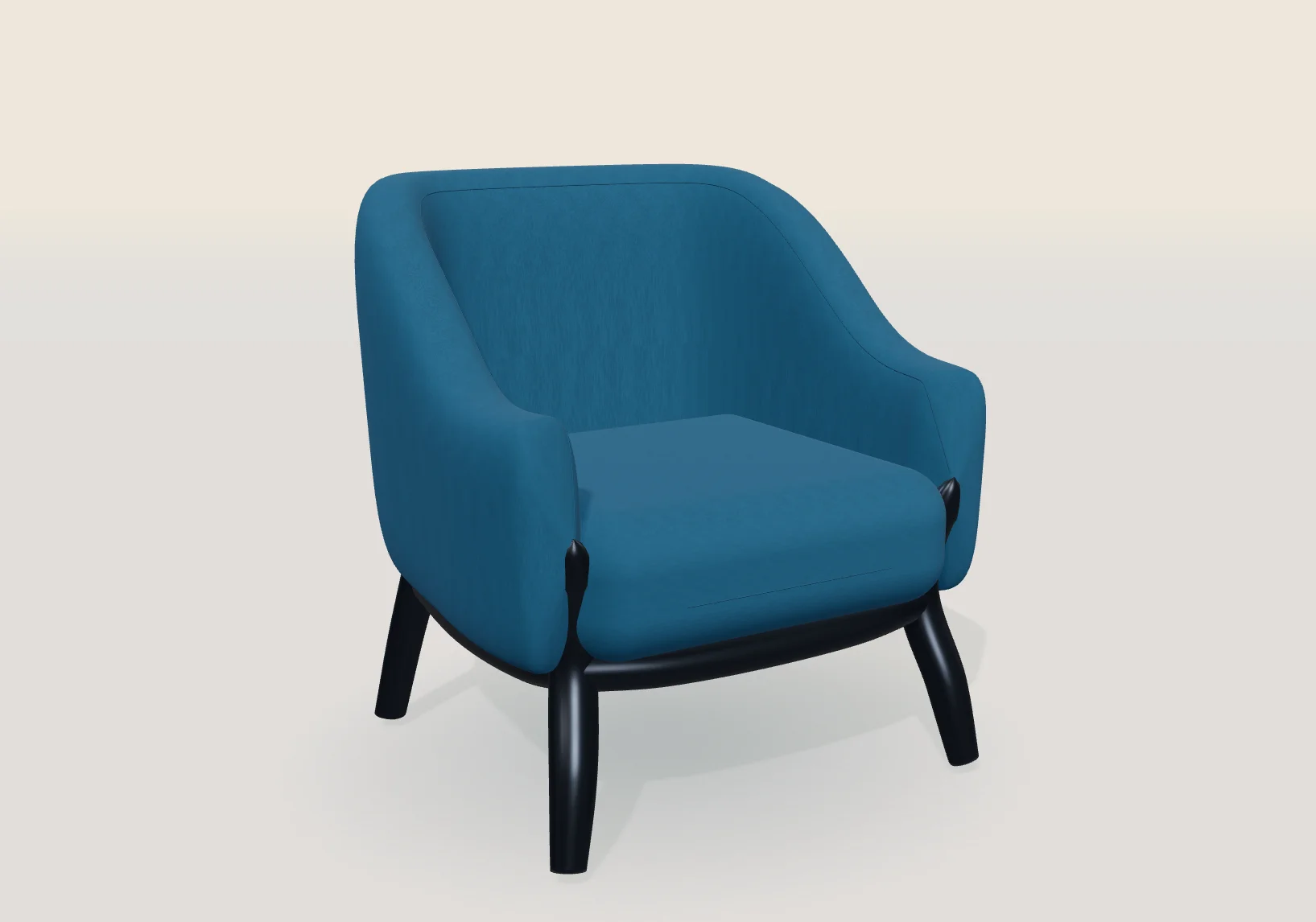
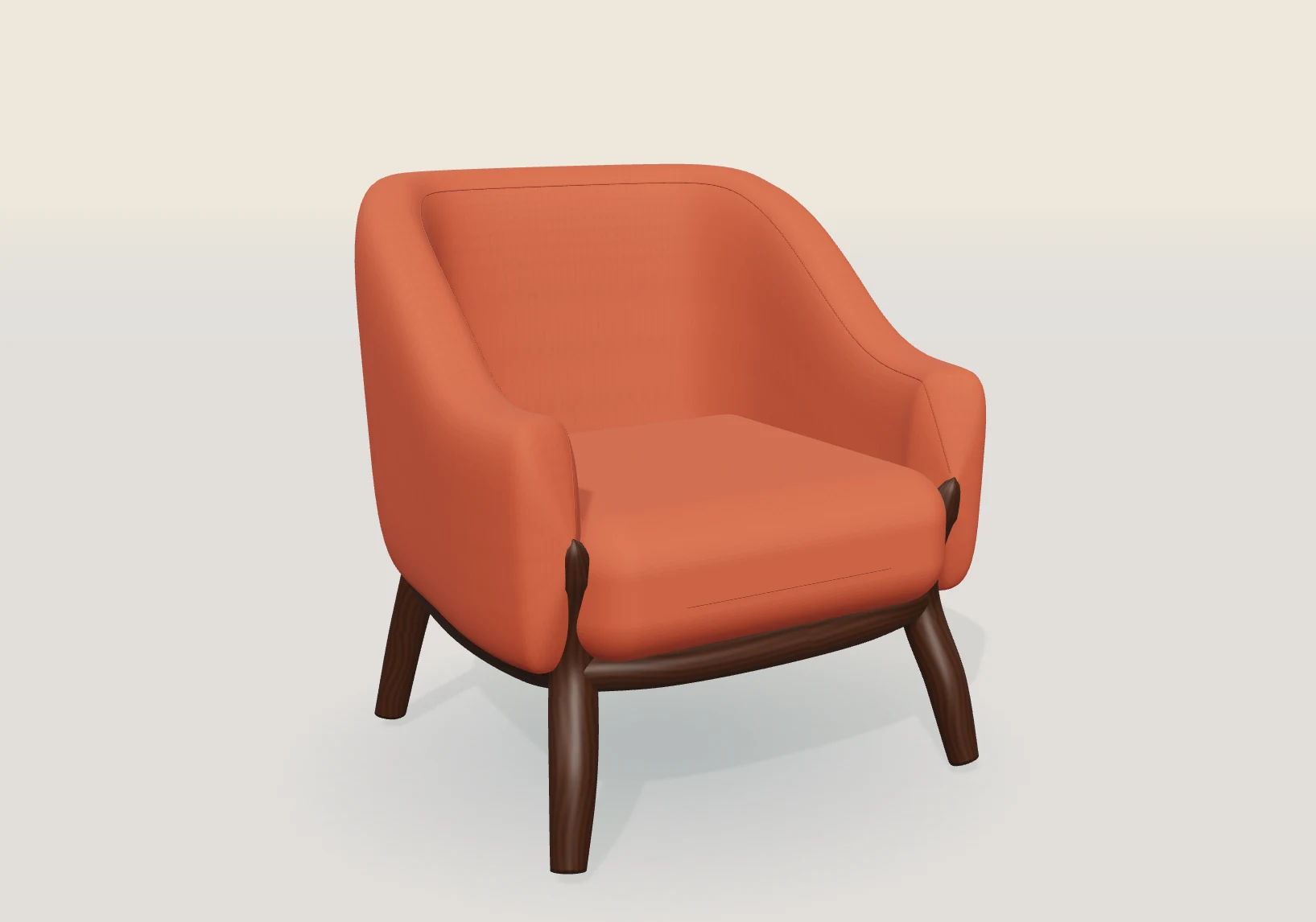
4 upholstery colours, 3 material appearances and 2 frame finishes. Rotate, zoom and open the product-detail hotspots.
Try this: change a material and open a product-detail hotspot.
Open the chair
ORBYTEON / Interactive product experiences
We build interactive product experiences for businesses. Let your customers rotate and zoom, compare available colours and materials, and share their chosen combination — directly in their browser.
 Explore it in 3D
One product. Different options — try a combination.
TRY IT YOURSELF
Open a demo, change a material or colour, and explore every angle. See how visitors could explore your own products.
4 upholstery colours, 3 material appearances and 2 frame finishes. Rotate, zoom and open the product-detail hotspots.
Try this: change a material and open a product-detail hotspot.
Open the chair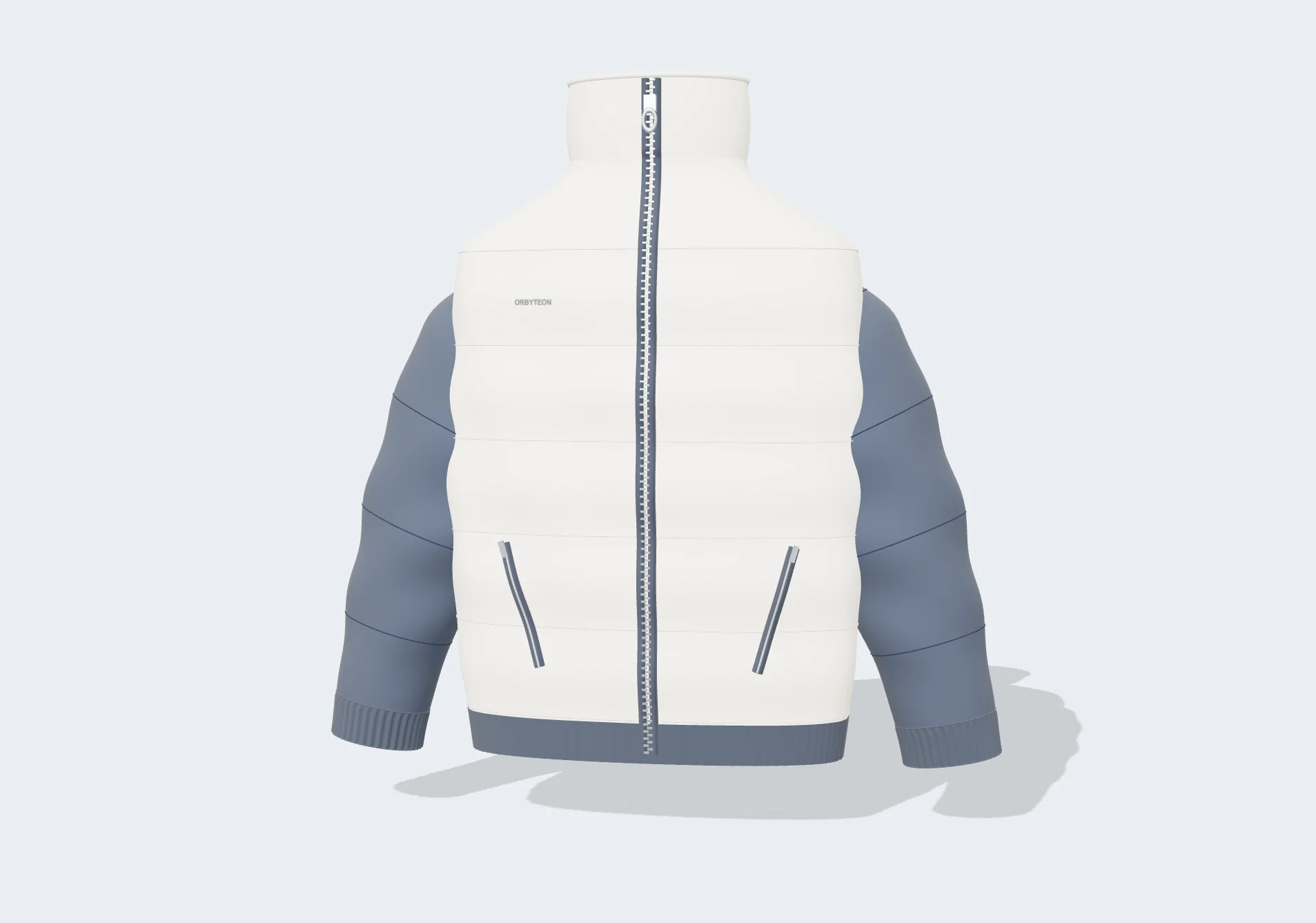
4 body colours, 4 sleeve colours and 3 zip finishes: 48 combinations. Explore the front and back, then share your selection.
Try this: change the sleeves and explore the back view.
Try the Jacket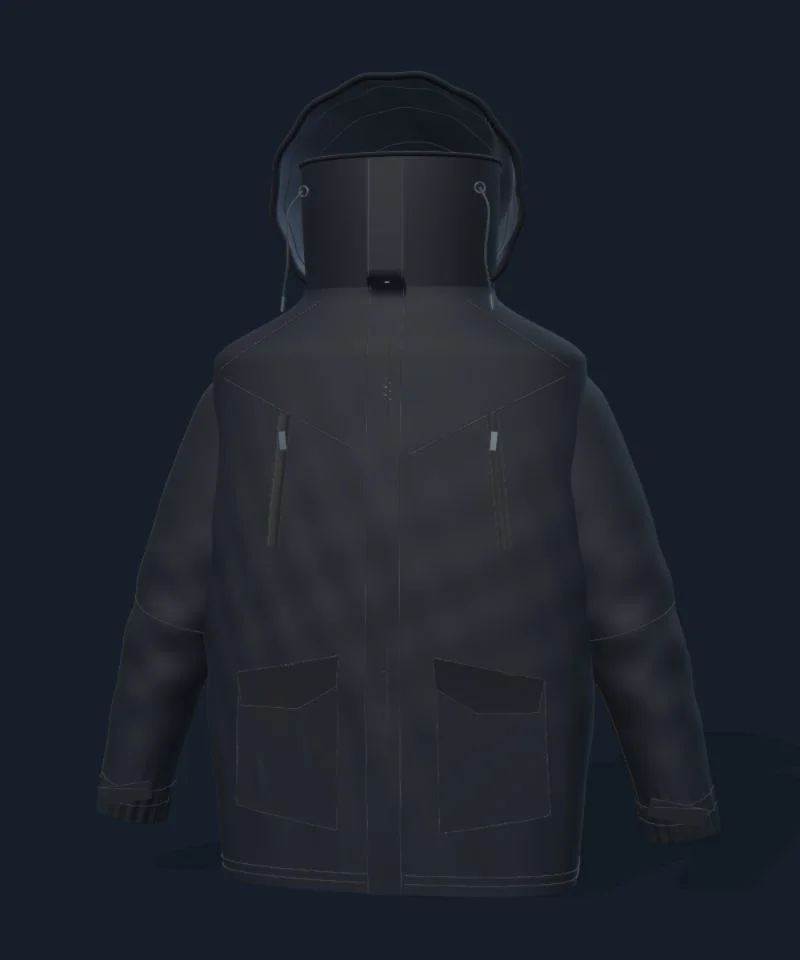
A separate hooded parka concept with 5 body colours, 5 sleeve colours, 3 metal finishes and 7 information cards. Explore front and back. Illustrative materials; not a fit or performance simulation.
Try this: combine body and sleeve colours, then explore the hood.
Try the parka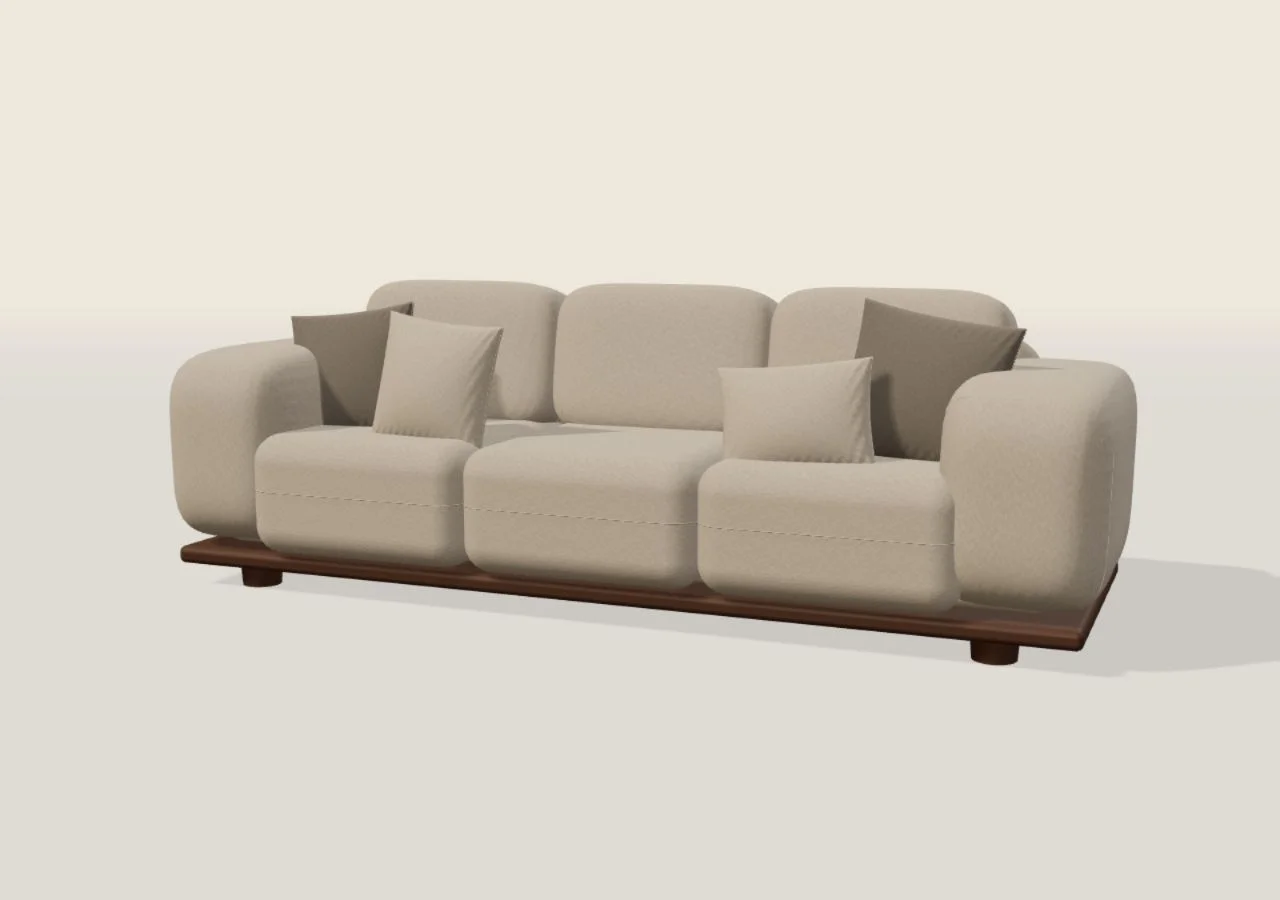
An original sofa prototype with 4 upholstery colours, 2 fabric appearances and 2 wooden-base finishes. Rotate, zoom and reset the view. Greek-language demo; materials are illustrative.
Try this: compare upholstery colours, fabrics and wooden bases.
Try the sofa · Greek demo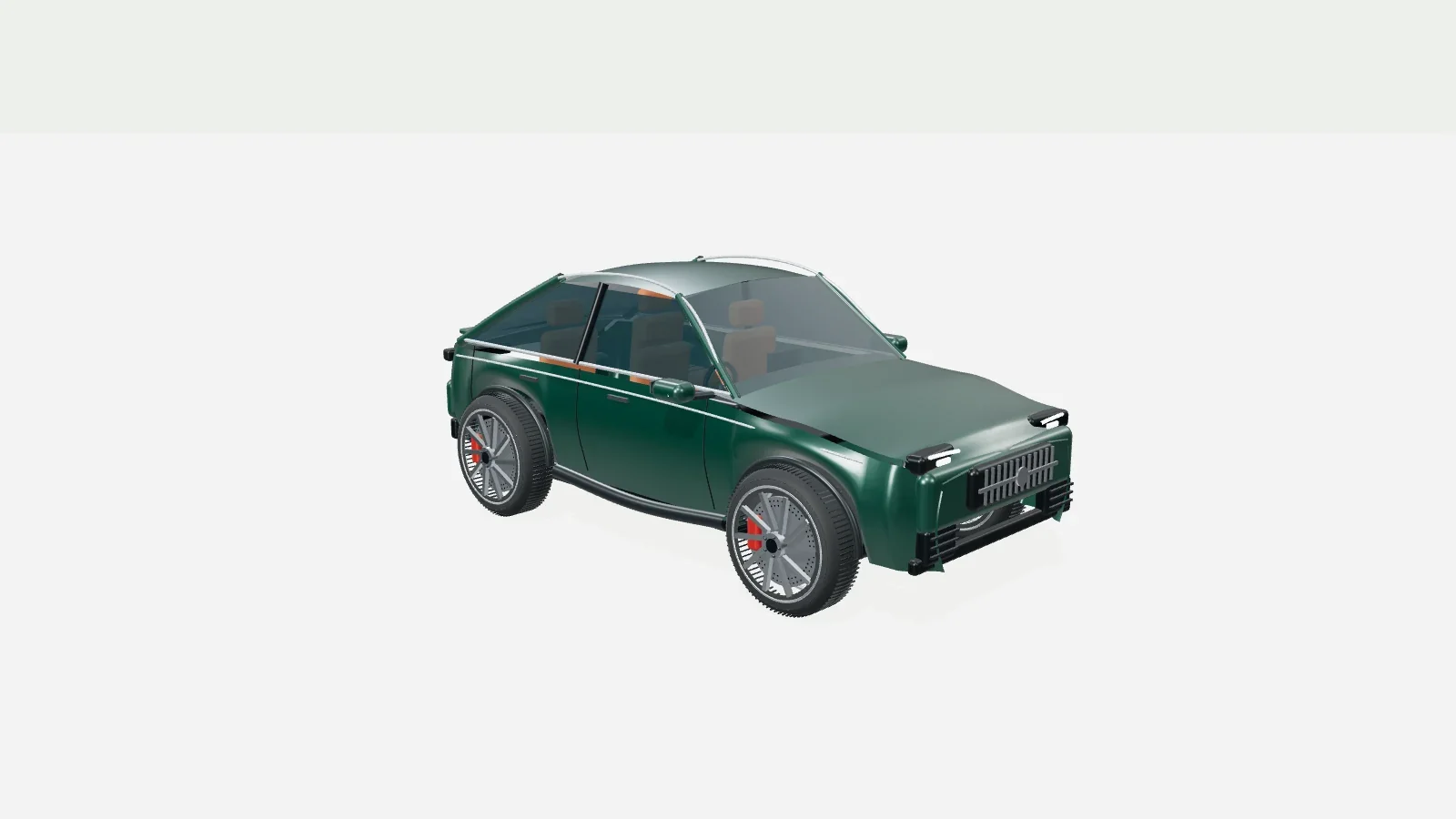
An original SUV coupe concept with 4 paint colours and 12 information sections. Explore the cutaway cabin, steering wheel, screen, seats and climate controls. Greek-language demo; equipment and technical figures are illustrative.
Try this: explore the cabin, select a seat and change the screen menu.
Try the car · Greek demoEach is an original ORBYTEON prototype, not a client product for sale. Materials and dimensions are illustrative. The jackets are not a fit or size simulator.
A closer look at your product
Rotate the product and zoom in to examine its shape and details.
Present the colour and material choices available for your product, agreed from your supplied references.
Use interactive hotspots to explain finishes, dimensions and relevant product information.
See the experience
Explore the Arc Chair prototype, then try the same interactions for yourself.
Give your customers a closer look. With ORBYTEON’s interactive 3D configurators, they can rotate and zoom, compare colours and materials, and explore product details—all in their browser. This Arc Chair prototype shows how the experience works. Imagine it with your products. Try the live demo at orbyteon.com, and let’s discuss your project.
Watch the original 28-second interface recordingStarting a project
Tell us which product you have in mind. If you like, send a photo or a product link.
We review the available 3D files, product references, colour and material options, and information to include.
We define the model work, interactions and website integration required, then agree the scope and quotation before development.

The person behind ORBYTEON
Founder, Programmer & Unity Developer
I founded ORBYTEON and write the code for our games and Unity tools. I’m a graduate of Cyprus College.
For me, trust starts with the first conversation. Being professional means listening to your idea, telling you honestly what I can build and showing you the work as it takes shape.
Meet the studioFOR YOUR OWN PRODUCT
Send whichever of these you have. We review the model, options and your website before agreeing the project and quote.
info@orbyteon.comModel preparation, integration and additional features are scoped for each project. The demo does not include checkout or AR.