Unity development asset
Dynamic Follow Camera
Keep the focus on play.
Available on Codester · Unity 1.0.0Current price, checkout and full licence terms are available on Codester.
Real Unity demo / 49 seconds
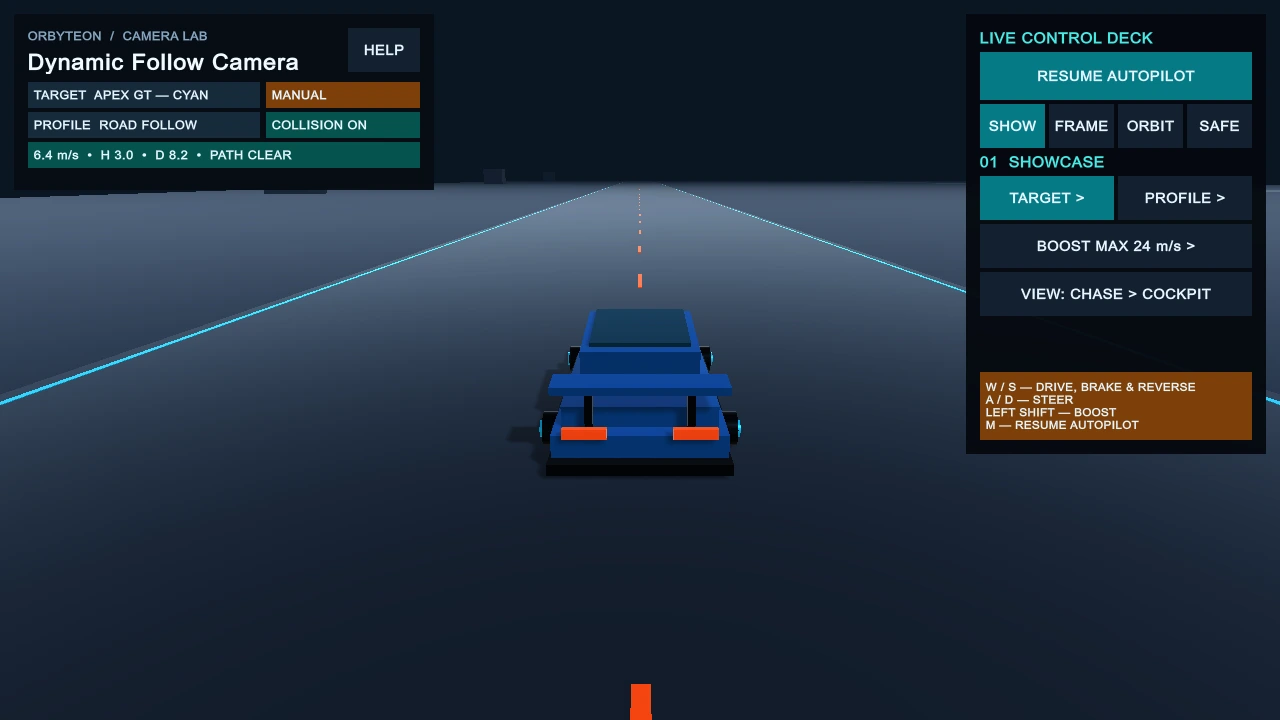
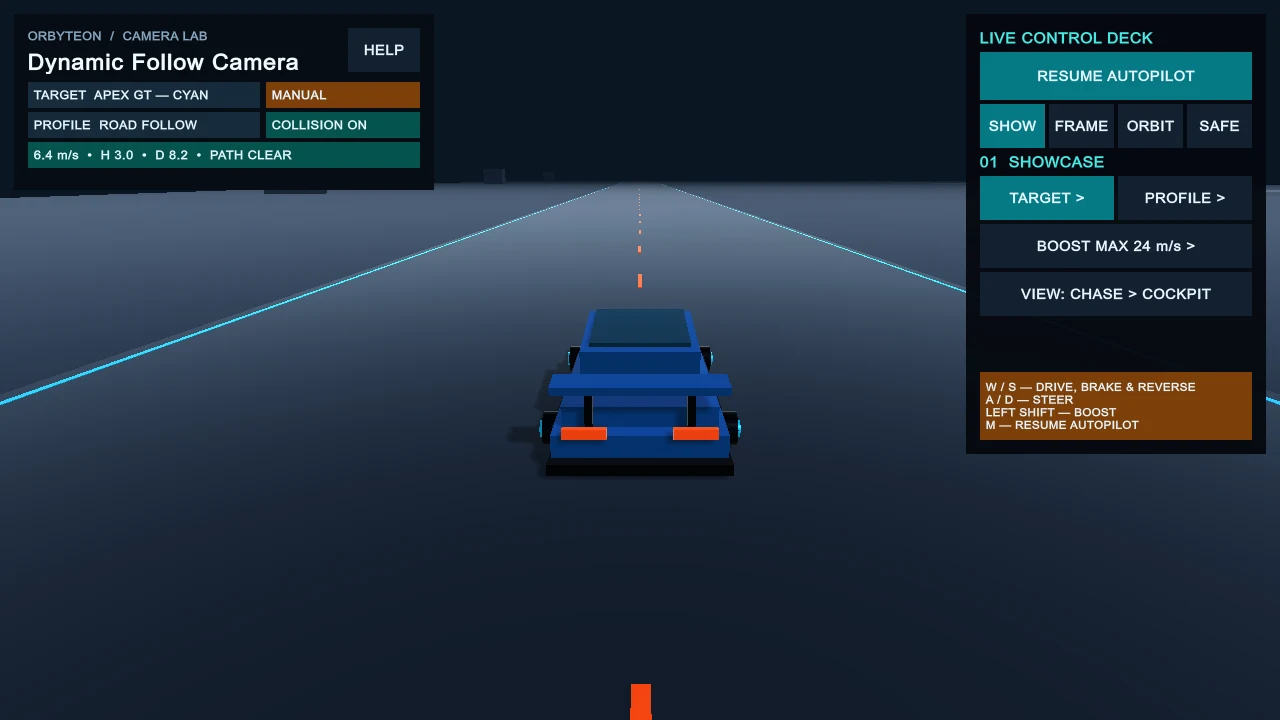
See Chase and Cockpit in motion.
A 49-second recording of the Unity driving demo, showing the chase camera and cockpit view. Existing instrumented footage with SSAO off; not a performance benchmark.
Open the 49-second MP4Native playback controls · no autoplay
Inside the toolkit
Tune the view. Keep your workflow.
Build smooth target-follow cameras with configurable framing, motion response and obstruction handling. Includes setup tools, reusable profiles and a Chase/Cockpit driving demo.
Follow with control
Adjust follow distance, height, offsets, damping and field of view. Use Rigidbody or manual motion data for speed and boost response.
Orbit, zoom and recover
Use input-independent orbit, recenter and runtime-distance APIs, with obstruction handling and smooth camera recovery.
Set up with a preview
Start with reusable Camera Profiles, a custom Inspector and a preview-first Setup Wizard. Apply Setup supports Undo and does not save your scene automatically.
Try both perspectives
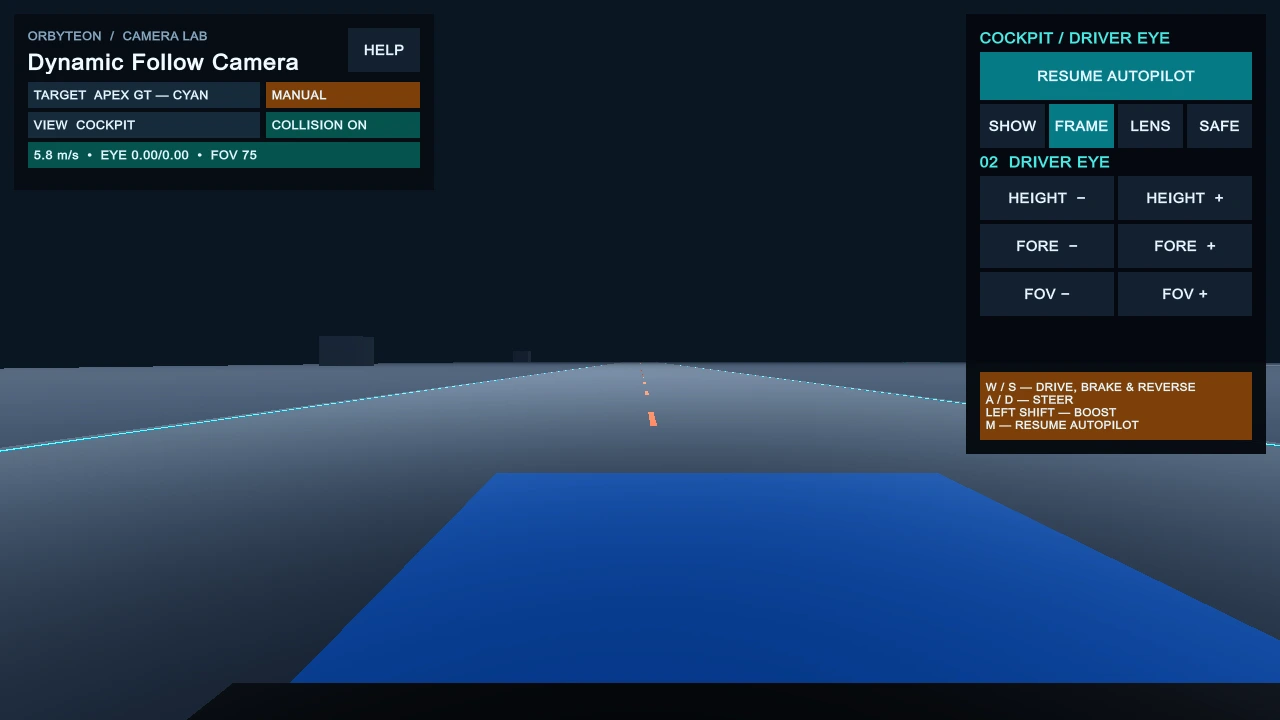
The included driving demo offers Autopilot, manual keyboard driving and per-vehicle Chase/Cockpit switching with adjustable driver-eye framing.
Included in version 1.0.0
C# source, Runtime and Editor tools, Camera Profiles, a URP driving demo, Quick Start, manual, API reference and troubleshooting documentation in one .unitypackage.
Before you buy
A clear starting point.
- Tested Unity Editor
- 6000.2.12f1 on Windows
- Included demo
- URP 17.2.0 · URP configured in Graphics and Quality
- Keyboard demo
- Input Manager (Old), or Both · camera core is input-independent
Unity and URP are not included. Other Unity versions, Built-in/HDRP, macOS/Linux and mobile are not advertised as tested. Use your own input mapping for an Input-System-only project.
The Codester edition uses the Codester Regular License for one project per licence; reusable asset/source redistribution and sublicensing are not permitted. Read the full terms on Codester before purchase.
A closer look
Two perspectives. One system.
Chase and cockpit views captured in the Unity demo.